App Jailing: How to Block iPhone Apps Without Deleting Them
Blocking distracting apps on your iPhone doesn’t require deletion. Use Screen Time hacks and third-party tools to jail apps without losing access permanently.

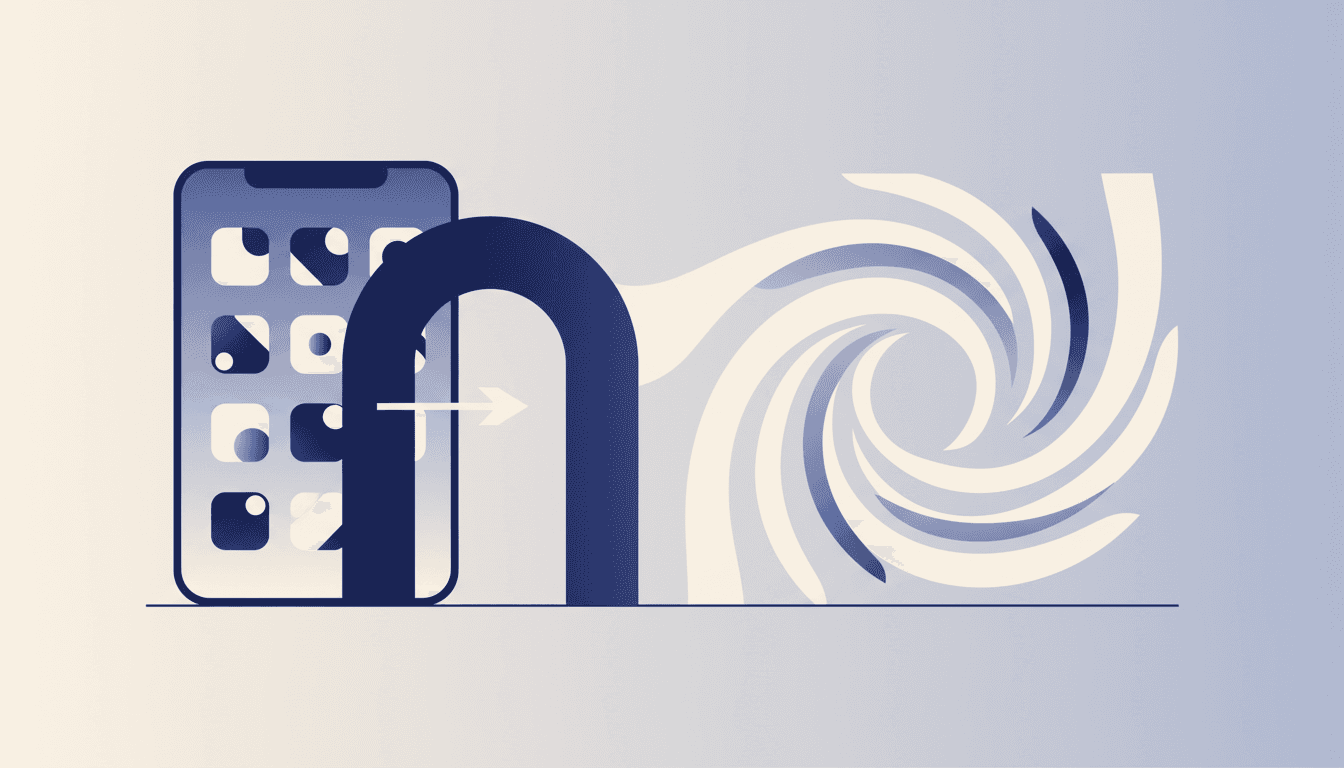
Smartphones are designed to distract us. Every app competes for our attention, and deleting them outright often feels like overkill. What if you just need to temporarily block Instagram or TikTok without losing your data or access forever? Here’s how to jail apps on your iPhone without deleting them.
The simplest method uses Apple’s built-in Screen Time feature, but third-party tools like Lebenmaster offer more granular control. Whether you’re trying to focus for a deep work session or break a scrolling habit, these strategies let you restrict apps without losing them permanently.
Why App Jailing Beats Deletion
Deleting apps might seem like the ultimate solution, but it’s often counterproductive. Here’s why:
- Data Loss: Deleting apps can erase saved preferences, drafts, or login credentials.
- Reinstalling Hassle: Redownloading apps wastes time and bandwidth.
- All-or-Nothing Approach: Deletion doesn’t allow for temporary restrictions.
App jailing gives you the flexibility to block apps during specific times or contexts without permanent consequences. It’s like putting your apps in a timeout rather than throwing them away.
Using Screen Time to Jail Apps
Apple’s Screen Time feature is the most straightforward way to block apps without deleting them. Here’s how:
- Go to Settings > Screen Time > App Limits.
- Tap Add Limit and select the apps you want to restrict.
- Set a daily time limit (e.g., 15 minutes).
- Tap Add to activate the restriction.
When you hit the limit, the app becomes unavailable until the next day. For stricter control:
- Enable Downtime to block apps entirely during specific hours.
- Use Content & Privacy Restrictions to lock app installations.
Screen Time isn’t perfect—its interface is clunky, and limits can be bypassed—but it’s a free, built-in solution.
Advanced Jailing with Third-Party Tools
If Screen Time feels too basic, third-party apps like Lebenmaster offer more sophisticated options. These tools let you:
- Schedule Blockouts: Block apps during specific times (e.g., work hours).
- Set Focus Sessions: Jail apps for a set duration (e.g., 90 minutes).
- Track Usage: Monitor how much time you spend on each app.
Start a free Lebenmaster trial to jail apps with precision and track your progress over time. Unlike Screen Time, Lebenmaster integrates with your workflow, making it easier to stick to your restrictions.
The Psychology of App Jailing
Why does app jailing work? It leverages commitment devices, a concept from behavioral economics. By setting limits in advance, you reduce decision fatigue and make it harder to give in to temptation.
Research from the University of Pennsylvania shows that precommitment strategies are more effective than willpower alone (source). App jailing acts as a digital commitment device, helping you stay focused without relying on self-control in the moment.
Tactical Example: Jail Apps for a Deep Work Session
Here’s how to jail apps for a 90-minute deep work session:
- Open Lebenmaster and create a Focus Session.
- Select the apps you want to block (e.g., Instagram, Twitter).
- Set the duration to 90 minutes and start the session.
- Use the built-in timer to track your progress.
During the session, blocked apps will be inaccessible, and you’ll receive reminders to stay on task. Afterward, you can review your usage data to see how well you stuck to your plan.
Closing Thoughts
App jailing is a powerful tool for reclaiming your attention without losing access to essential apps. Whether you use Screen Time or a third-party tool like Lebenmaster, the key is to set clear boundaries and stick to them. Temporary restrictions are often more sustainable than permanent deletions, making app jailing a smarter choice for long-term focus.
Ready to take control of your app usage? Start a free Lebenmaster trial and jail your distractions today.
A note on product references — Lebenmaster evolves continuously in response to user feedback and market conditions. Features described in this article may already have changed, been renamed, or been deprecated. Availability of specific capabilities depends on your region, subscription tier, and platform. For the current experience, start a free trial.