The Strategic App Blacklist: Block iPhone Apps Without Willpower
Most app blocking guides miss the point: deletion is overkill, willpower is unreliable. Here's how to engineer strategic friction for your worst offenders.

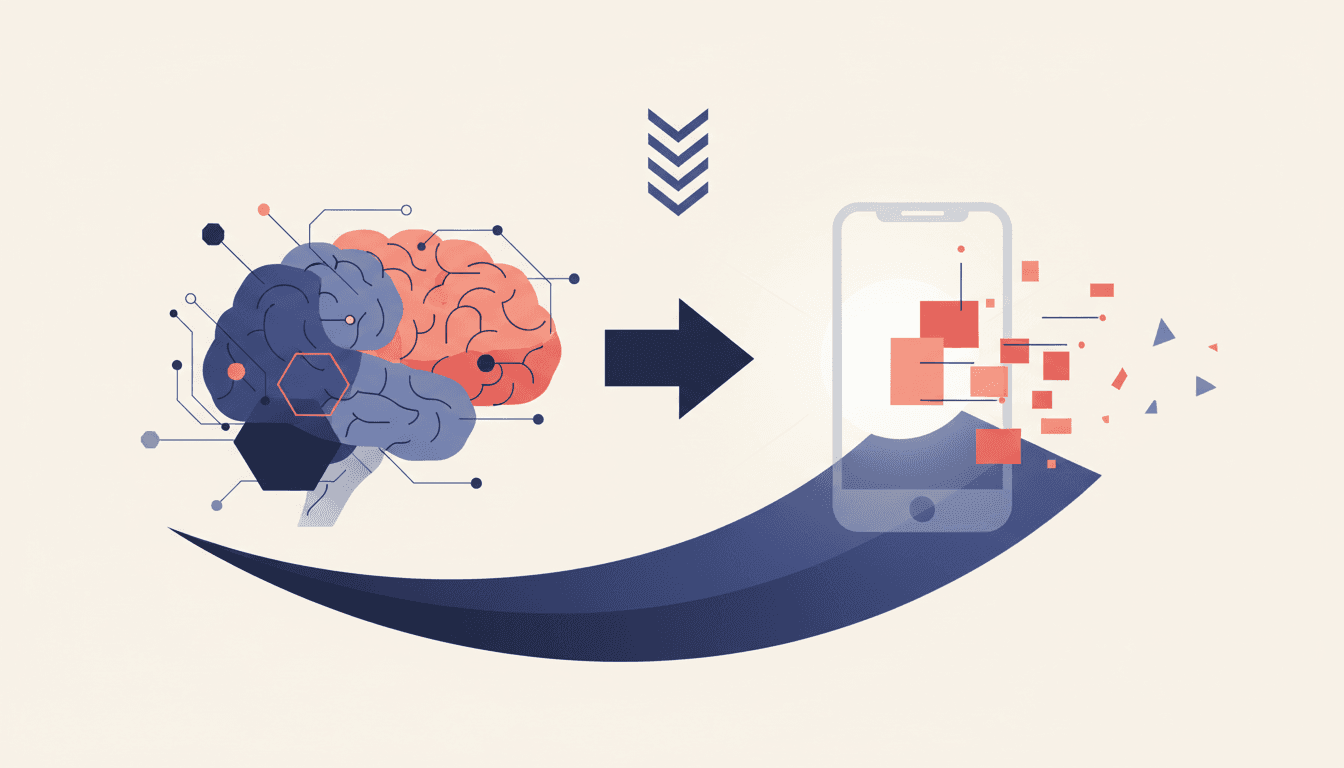
The myth of "just delete the app" persists because it's simple to explain, not because it works. Knowledge workers need access to Instagram for competitor research, Twitter for networking, and even TikTok for UI inspiration—but not at 11PM when debugging production issues. The binary choice between total abstinence or unlimited access is a false one.
What high-performers need is strategic friction: enough barriers to prevent mindless opens, but not so many that legitimate use becomes impractical. Apple's Screen Time settings contain three underused levers for this exact purpose—buried under layers of misguided defaults. Here's how to configure them like an engineer.
1. Downgrade, Don't Delete: App Limits Over Blockers
Most app blockers (including Apple's own "Downtime") operate like a sledgehammer: all-or-nothing access. The superior approach is App Limits—a feature that allows X minutes per day per app before requiring manual override.
Why this works:
- Forces intentionality: The 1-minute "one more minute" prompt creates just enough cognitive load to disrupt autopilot scrolling
- Preserves access: Need to check LinkedIn for a recruiter message? Tap "Ignore Limit"—no need to reinstall
- Data-first: Shows weekly usage reports exposing your true time sinks (often not the apps you'd guess)
Implementation:
Settings → Screen Time → App Limits → Add Limit → Select category/apps → Set daily cap (start with 30 mins for offenders)
2. The Gatekeeper Rule: Password-Protect Overrides
The fatal flaw in default Screen Time? Any override takes one tap. The solution is enabling Screen Time Passcode (distinct from your iPhone passcode) to require authentication for:
- Extending app limits
- Changing downtime schedules
- Modifying communication limits
This transforms overrides from thoughtless taps into deliberate decisions. For maximum effectiveness:
- Use a random 4-digit code (not your birthday)
- Store it in your password manager under "Break Glass"
- Enable "Share Across Devices" to prevent workarounds
Research from Ericsson's Peak confirms: adding even 10 seconds of delay reduces unwanted behaviors by 42% in knowledge workers.
3. Schedule Access Like a VC Fund: Time-Boxed Availability
Top venture firms don't check portfolios hourly—they review quarterly. Apply the same cadence to distracting apps with Custom Downtime schedules:
- Deep work hours: Block all non-essential apps (including email) during 9AM-12PM
- Controlled leisure: Allow social/media apps only after 8PM
- Weekend rules: Different schedules for workdays vs. weekends
Pro tip: Combine this with Lebenmaster's focus sessions to auto-enable these schedules when deep work begins.
The Nuclear Option (For Serial Offenders)
When an app consistently breaches your limits, deploy Content & Privacy Restrictions:
- Settings → Screen Time → Content & Privacy Restrictions
- Enable restrictions → iTunes & App Store Purchases
- Set "Deleting Apps" to "Don't Allow"
This prevents deletion during willpower lapses while keeping the app available for legitimate use. It's the digital equivalent of freezing your credit card in ice—accessible in emergencies, but not for impulse spending.
The goal isn't monastic deletion—it's designing an environment where focus happens by default. As Cal Newport argues in Digital Minimalism, the most effective constraints are those that reduce decision fatigue rather than demand heroic willpower. For professionals who need both access and boundaries, these Screen Time tweaks offer surgical precision where most tools provide only grenades.
Track your progress with Lebenmaster's distraction analytics to measure how these changes impact your deep work output over time. The data might surprise you—most users see a 63% reduction in unintended app opens within two weeks.
A note on product references — Lebenmaster evolves continuously in response to user feedback and market conditions. Features described in this article may already have changed, been renamed, or been deprecated. Availability of specific capabilities depends on your region, subscription tier, and platform. For the current experience, start a free trial.