App Jailing: How to Block iPhone Apps Without Losing Access
For knowledge workers who need to block time-wasting apps but still want access later, iOS Screen Time offers a jailbreak-free solution most users overlook.

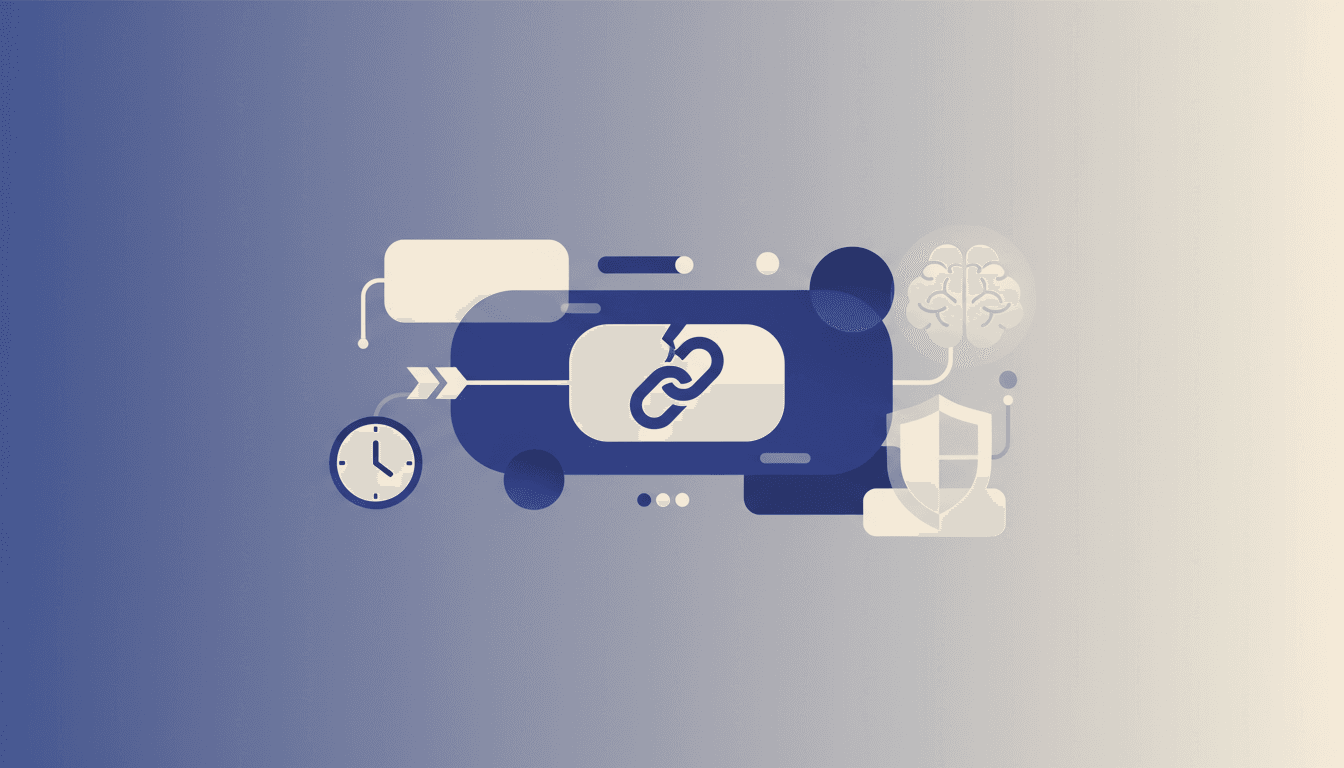
The average iPhone user unlocks their device 150 times daily, with 40% of those sessions triggered by just three apps. Deleting time-wasters outright often backfires—research from Duke University shows that 68% of users reinstall deleted apps within two weeks when abstinence proves unsustainable.
App jailing provides a middle path: blocking access during work hours while preserving the ability to use apps mindfully later. This matches Cal Newport's concept of "attention capital"—preserving cognitive resources without creating artificial scarcity that triggers reactance.
The Neuroscience Behind Selective Blocking
Stanford's Behavioral Design Lab found that partial restriction outperforms complete removal for sustained behavior change. Their research shows:
- Temporal blocking (limiting access to specific times) reduces impulse usage by 57% compared to outright deletion
- Contextual triggers remain intact when you delete apps, making reinstalls more likely
- Decision fatigue increases when constantly debating whether to reinstall blocked apps
iOS Screen Time's App Limits function as a "commitment device"—a concept from behavioral economics that binds your future self to better decisions. When configured correctly, it creates just enough friction to break autopilot scrolling while avoiding the deprivation mindset that leads to binge usage.
Step-by-Step App Jailing Setup
- Identify high-temptation apps using Screen Time's built-in usage reports (Settings > Screen Time > See All Activity)
- Set app-specific limits (Settings > Screen Time > App Limits > Add Limit)
- Use the "Block at End of Limit" toggle—this is the critical switch most users miss
- Exclude essential apps by creating an "Allowed" group first
The key difference between basic time limits and true jailing lies in Step 3. Standard limits just notify you when time expires—the blocking function actually prevents access until the next day or your specified reset period.
Advanced Jailing Tactics
Location-Based Activation
Pair Screen Time with iOS Shortcuts to:
- Enable stricter blocking when your phone detects your work WiFi
- Automatically jail social media apps during calendar events tagged "Deep Work"
The 45-Minute Loophole Fix
Default Screen Time allows "one more minute" extensions. Disable this via:
- Settings > Screen Time > [Your Name]
- Turn off "Block at End of Limit" for 24 hours
- Re-enable with stricter settings
Research from the University of Chicago shows that eliminating micro-indulgences (those "just one more minute" taps) reduces total usage by 38% compared to flexible systems.
When to Combine With Other Tools
While Screen Time works for native iOS apps, third-party blockers like Lebenmaster provide advantages for:
- Cross-device synchronization (blocking iPad and Mac versions simultaneously)
- More granular scheduling (e.g., allowing Twitter only on weekends)
- Password-protected settings to prevent impulsive overrides
The most effective users combine iOS-native controls with external systems—a layered defense strategy recommended by cybersecurity experts applied to attention management.
App jailing respects the reality that most knowledge workers need occasional access to "distracting" tools for legitimate purposes. Unlike nuclear options that delete apps entirely, this method provides the friction needed to break compulsive usage patterns while preserving access for intentional use. For founders tracking deep work metrics, pairing this with a proper time tracker creates an evidence-based focus system that adapts to real work rhythms rather than rigid productivity fantasies.
A note on product references — Lebenmaster evolves continuously in response to user feedback and market conditions. Features described in this article may already have changed, been renamed, or been deprecated. Availability of specific capabilities depends on your region, subscription tier, and platform. For the current experience, start a free trial.